
UX/UI for systems, applications and platforms
Fteam structures experiences and interfaces that help people use technology with more clarity, agility and security.
Our work connects user needs, company processes and project objectives to create tools that are simpler to understand and more efficient to operate.
What is UX/UI Design?
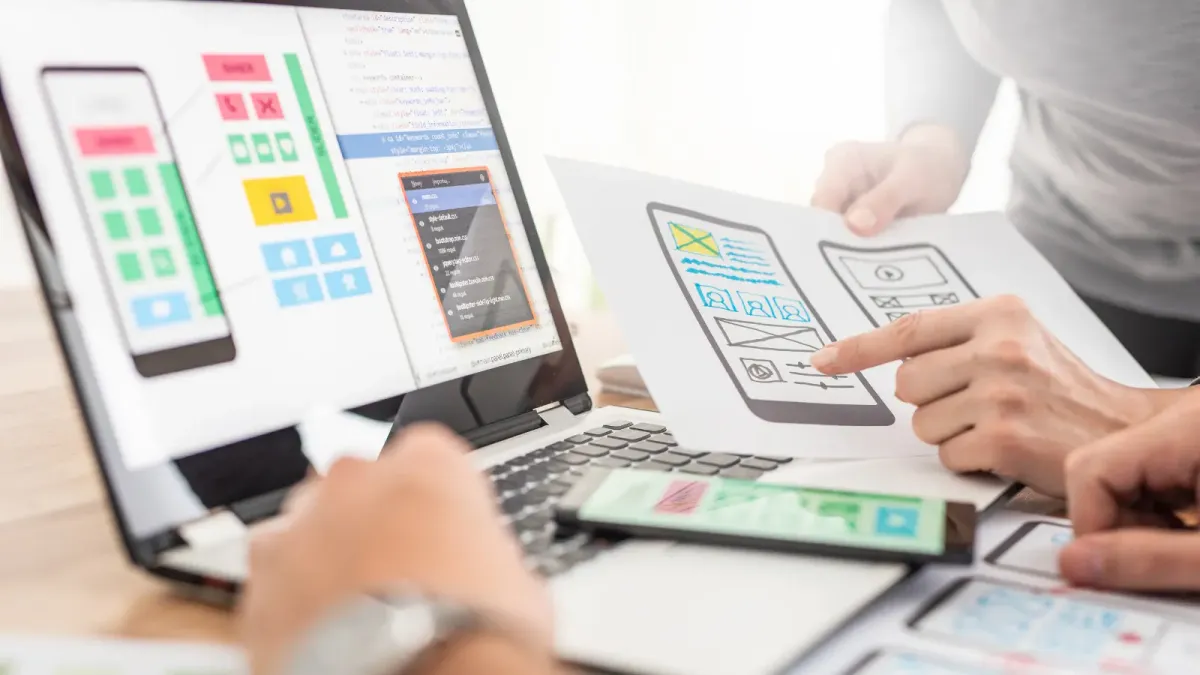
UX and UI are complementary areas responsible for structuring the experience and the interface of a technology.
UX, or user experience, analyses how people perform tasks, find information and move through a system's flows. UI, or user interface, turns those flows into screens, components, visual patterns and interactions.
UX organises the experience and usage flows. UI turns that structure into interfaces that are clear, consistent and suited to the tool's context.
Why is UX/UI important?
A technology can have good features and still create difficulty, errors or resistance among users. UX/UI helps bring the tool closer to how people actually work and make decisions.
- Simpler, easier-to-understand flows
- Fewer errors during use
- Less need for training
- Faster task execution
- Consistency across screens and features
- Better perceived quality
- Easier interface evolution
- Technology better suited to the operational context
When should you hire UX/UI?
UX/UI can be applied to new technologies as well as to the evolution of existing systems and applications.
- The project still needs to structure flows and screens
- Users struggle to use the tool
- There are too many steps to complete simple tasks
- The interface grew without a visual standard
- Different modules seem to belong to separate systems
- The product needs a redesign
- The company wants to validate an idea before developing it
- The system needs to serve new user profiles
- There is a need to create or organise a design system
- The current experience has not kept pace with the business's evolution
How Fteam works in UX/UI
Understanding users and context
We analyse who will use the technology, which tasks will be performed and under what conditions the tool will be used.
Journeys and flows
We organise the steps, decisions, paths and interactions needed for each user goal.
Information architecture
We structure content, menus, hierarchies and navigation to make information easier to access.
Wireframes
We create initial screen representations to organise features and validate the structure before visual design.
Navigable prototypes
We develop interactive simulations that allow flows to be tested and the tool's operation to be presented before coding.
Interface design
We turn approved flows into visually consistent, accessible screens ready for development.
Design systems
We create standards, components and visual rules that increase consistency and make the technology easier to evolve.
Usability testing
We observe how the tool is used to identify difficulties, questions and opportunities for improvement.
How does a UX/UI project work?
- 01
Understanding
We get to know the business, the users, the processes and the objectives of the technology.
- 02
Mapping
We organise journeys, tasks, flows and the information needed.
- 03
Structuring
We create wireframes and define the architecture of the screens and navigation.
- 04
Prototyping
We develop a navigable prototype to validate the experience before development.
- 05
Interface
We apply identity, components, typography, visual hierarchy and interaction patterns.
- 06
Validation and delivery
We review the flows, organise the files and prepare the interface for development.
Interfaces designed for real-world use
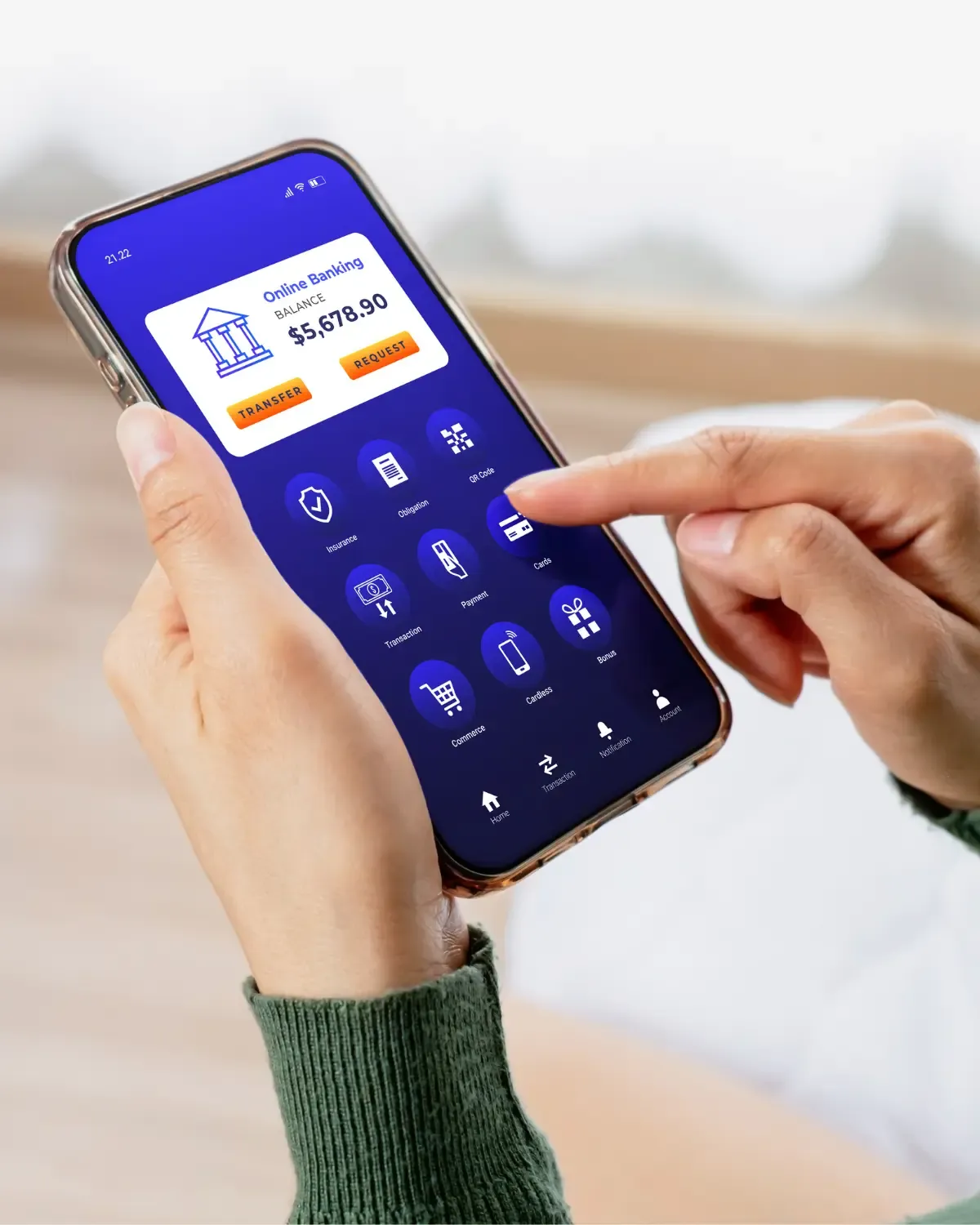
A good interface is not just visually pleasing. It needs to account for the environment, the devices, how often it is used, users' knowledge and the impact of every decision on the operation.
The goal of UX/UI is to make technology fit the reality of its use, reducing effort, doubts and errors during tasks.
- Use on phones, tablets and computers
- Field teams
- Limited connectivity
- Environments with large amounts of information
- Critical or repetitive tasks
- Different levels of technological knowledge
- Different access levels and permissions
- Use by clients, suppliers, employees or partners
Can UX/UI be applied to existing systems?
Yes. Fteam can analyse existing systems and applications, identify navigation problems and propose improvements without necessarily requiring a full rebuild of the technology.
The strategy can involve gradual improvements or a broader overhaul, depending on the scenario identified.
- Experience diagnosis
- Flow review
- Screen redesign
- Visual standardisation
- Task simplification
- Organisation of menus and information
- Design system creation
- Adaptation for new devices
- Accessibility improvements
- Prototyping of new features
What is a design system?
A design system brings together components, visual standards, rules and guidelines that help maintain consistency across screens, modules and different products within a company.
A design system works as a shared library of components and standards to keep the experience consistent and make the technology easier to evolve.
- Less rework
- More visual consistency
- More agile development
- Better communication between design and technology
- Easier to create new screens
- Standardisation across different teams
- Organised interface evolution
Why prototype before developing?
A prototype makes it possible to visualise and test how the tool works before development is well underway. This helps validate flows, identify problems and align expectations at a lower cost of change.
Important decisions are discussed before they turn into code.
- Navigation
- Information organisation
- Main flows
- Interaction rules
- Screen hierarchy
- User understanding
- Feasibility of the proposed experience
How do design and development work together?
Design and development need to work in an integrated way. During the project, interfaces are structured taking into account technologies, business rules, integrations and the solution's real constraints.
- Alignment between designers and developers
- Components ready for implementation
- Behaviour documentation
- Defined screen states
- Error and exception handling
- File organisation
- Follow-up during development
- Validation of the implemented interface
Benefits for the company and for users
For users
Easier to understand the tool, fewer unnecessary steps, fewer errors, more confidence during use and a better fit with daily routines.
For the company
Less need for support and training, more efficient processes, greater consistency between features, better use of the technology, more organised evolution and less rework in development.
UX/UI applied to real operations
Fteam takes part in structuring systems, applications and platforms that serve different user profiles and operations.
Frequently asked questions
What is the difference between UX and UI?
UX organises the experience, the journeys and the flows. UI defines the visual interface, the components and how the user interacts with the technology.
Can Fteam handle only the design side of the project?
Yes. We can work on UX/UI alone or integrate the work into the full development of the technology.
Is development required right after the prototype?
Not immediately. The prototype can be used for validation, internal presentations, planning or raising investment before development.
Does Fteam work with existing systems?
Yes. We can analyse, redesign and improve systems and applications that are already in operation.
Is UX/UI only for applications?
No. The work can be applied to web systems, applications, platforms, dashboards, portals and internal tools.
Is it possible to create a design system for an existing system?
Yes. We can organise components and standards already in use or create a new structure to standardise the interface.
Does the user take part in the process?
Whenever possible, users and the areas involved can contribute information, validations and usability testing.
Does UX/UI reduce development time?
A well-validated structure can reduce uncertainty, late changes and rework during development.
A good experience starts with understanding people and processes.
Tell Fteam about the difficulties, flows or opportunities that are part of your current technology. Our team can help structure an experience that is clearer, more efficient and more connected to your users' reality.